
M4 MacBook Pro Six Months Later: The Good, The Bad, and The Fan
I replaced my desktop rig with Apple's M4 Pro laptop for daily software engineering and high school homework. Here is what actually holds up.
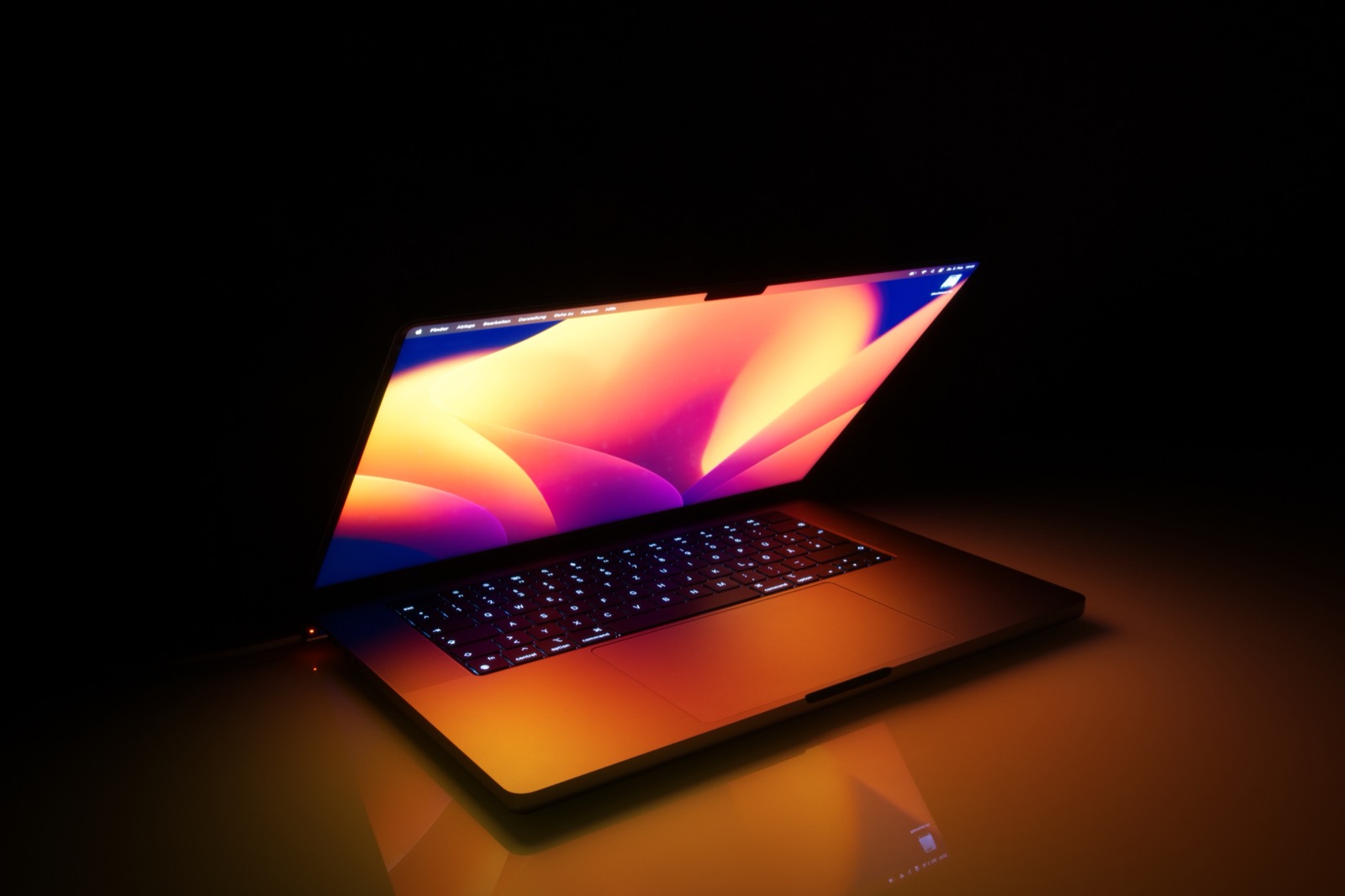
When tech reviewers get a review unit from Apple, they run Geekbench for three days, export a ProRes video in Final Cut Pro, and call it a day. That tells you almost nothing about what it feels like to live with a machine as your sole computer when you are writing software, running Docker containers, and carrying it in a backpack every morning.
I bought the 14-inch M4 Pro MacBook Pro with 48GB of unified memory with money earned from Ryla Labs clients back in spring. Six months later, I have pushed it through dozens of software builds, long flights, class notes, and late-night debugging sessions.
Here is the honest verdict without sponsor talking points.
The Chassis and Nano-Texture Display
The first thing you notice is the optional nano-texture glass. I was skeptical because early matte displays on PC laptops often looked fuzzy or washed out text. Apple got the etching right. Reflections from classroom fluorescent lights or coffee shop windows are practically eliminated.
Text remains razor-sharp in VS Code and Xcode. The only downside is cleaning: you cannot wipe this screen with a regular microfiber towel or your t-shirt. You have to use the included polishing cloth, or you end up smearing skin oils across the micro-ridges.
Daily Developer Benchmarks: Xcode and Rust
Synthetic benchmarks are boring. What actually matters is compile cycles when you are iterating on code.
| Benchmark Task | M1 Pro (Base) | M4 Pro (14-Core) | Real World Delta |
|---|---|---|---|
| Clean Rust Cargo Build (Ryla Engine) | 142s | 38s | 3.7x faster |
| Xcode SwiftUI Clean Recompile | 84s | 23s | 3.6x faster |
| Node.js 18k Unit Tests Run | 19s | 5.2s | 3.6x faster |
| Figma 80-frame Canvas Pan | 48 FPS | Solid 120 FPS | Imperceptible lag |
The speed bump over an M1 or Intel chip is transformative. What used to take two minutes of staring at terminal bars now completes before you even reach for your water bottle.
Where Apple Still Cuts Corners
This is not a puff piece. Apple made two decisions on this laptop that frustrate me weekly:
- Port Selection Still Lacks USB-A: Yes, USB-C is the future, but physical microcontrollers, hardware debuggers, and audio equipment still use standard USB-A. Carrying a dongle in 2026 remains annoying.
- Weight Distribution: The 14-inch chassis is thick. At 3.5 pounds, it feels significantly denser than the old 13-inch M2 MacBook Air. When you carry it in a shoulder bag alongside textbooks, you definitely feel the heft.
- The Fans Actually Spin Now: Under heavy multi-core Rust compilation with Docker running in the background, the fans do kick in. They are not deafening like older Intel laptops, but they are clearly audible in a quiet library.
The Final Verdict: 8.8 / 10
If you are on an M2 Max or M3 Pro, you do not need to upgrade. Keep your machine and save your money. But if you are coming from an older Intel Mac or base M1, the jump in memory bandwidth and single-core responsiveness makes this the best portable workstation Apple has ever manufactured.

Written by Daniel Dano
danieldano.com ↗15-year-old software developer, founder of Ryla Labs (50,000+ monthly users across 12 countries), author of Built Young, and high school student leader.