
Booting Raspberry Pi 5 from NVMe SSD: MicroSD Cards Are Officially Dead
Adding an M.2 HAT to the Raspberry Pi 5 unlocks 850 MB/s sequential disk speeds. Here is what happened to local Docker and SQLite compile times.
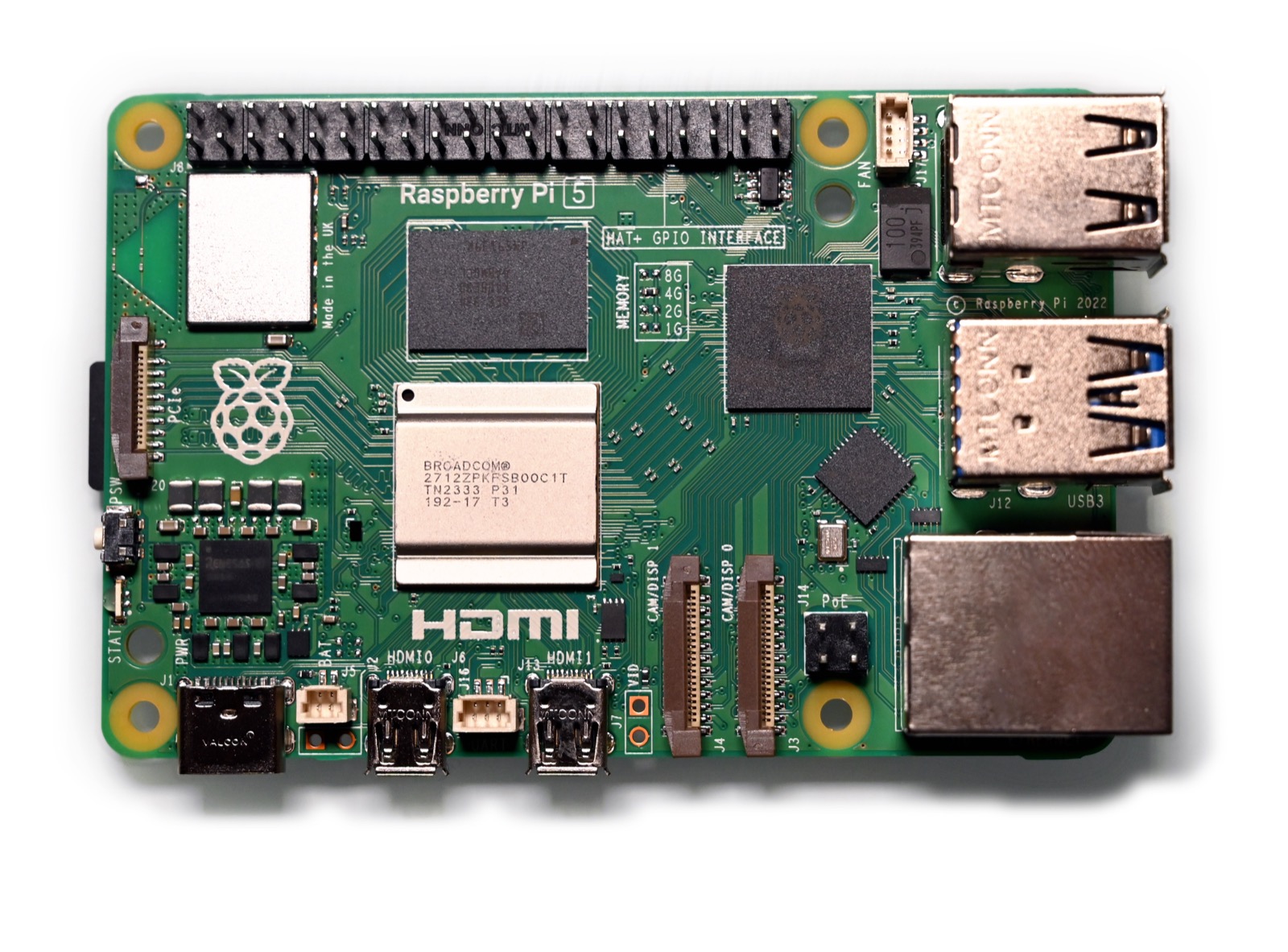
For over a decade, the single biggest point of failure on any Raspberry Pi home server was the MicroSD card. If power fluctuated, or if your database performed too many random write operations, the NAND flash controller would corrupt and brick your operating system.
The Raspberry Pi 5 finally included a single-lane PCIe 2.0 interface on the edge of the board. With an inexpensive M.2 HAT expansion board, you can plug in a standard 2280 NVMe SSD.
We ran a direct comparison against a top-tier SanDisk Extreme Pro MicroSD card.
Disk I/O Benchmark Comparison:
SanDisk Extreme Pro MicroSD:
  Sequential Read:  88 MB/s
  Random 4K Read:   11 MB/s
  Random 4K Write:  3.2 MB/s

Crucial P3 Plus PCIe NVMe on Pi 5:
  Sequential Read:  860 MB/s  (9.7x faster)
  Random 4K Read:   142 MB/s  (12.9x faster)
  Random 4K Write:  185 MB/s  (57.8x faster)
The difference when running containerized staging environments or self-hosted Git repositories is night and day. Docker containers that used to take 45 seconds to extract now unpack in under two seconds.
MicroSD cards are fine for retro gaming handhelds, but for any persistent Linux server, NVMe PCIe boot is the only way forward.

Written by Daniel Dano
danieldano.com ↗15-year-old software developer, founder of Ryla Labs (50,000+ monthly users across 12 countries), author of Built Young, and high school student leader.