
Testing Hall Effect Switches: Are Magnetic Keyboards Actually Better for Coding?
I spent sixty days testing analog magnetic switches for long programming sessions. The rapid trigger hype is real, but keycap wobble tells another story.
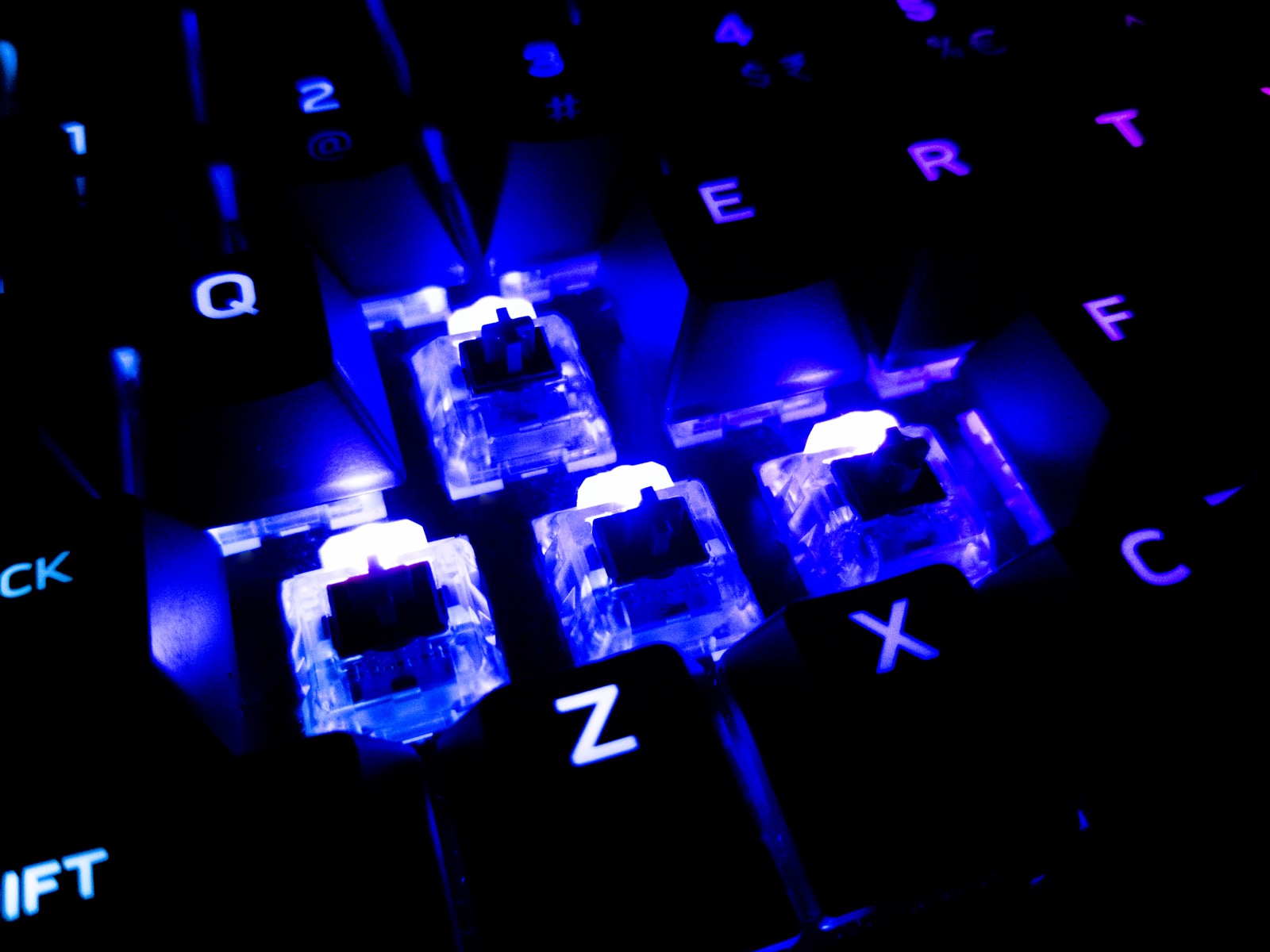
Gamers have been shouting about Hall Effect magnetic switches for the last eighteen months, claiming that adjustable actuation points and rapid trigger features give them an unfair advantage in first-person shooters.
As a developer who spends six to eight hours a day writing code, typing essays, and navigating terminals, I wanted to know if magnetic switches offer anything worthwhile for real-world software engineering, or if it is just another overpriced hardware trend.
I picked up the Wooting 60HE+ and the Keychron Q1 HE, spent two months writing code on both, and took measurements.
How Hall Effect Magnetic Switches Work
In a traditional mechanical keyboard switch (like a Cherry MX Red or Gateron Brown), actuation occurs when two metal contact leaves physically touch each other inside the switch housing. Over millions of keypresses, these leaves can oxidize, collect dust, or suffer from contact bounce.
Hall Effect switches eliminate the physical leaf contacts entirely:
- A tiny permanent magnet is embedded into the moving stem.
- A Hall Effect sensor sits on the printed circuit board beneath each switch.
- As you press the key down, the sensor continuously measures changes in the magnetic flux density.
- The keyboard microcontroller calculates the exact millimeter position of the key in real time.
Key Position Sensing Range: 0.1 mm to 4.0 mm
Actuation Accuracy: +/- 0.05 mm
Scan Rate: 1,000 Hz to 8,000 Hz continuous polling
The Typing Experience for Daily Coding
The biggest surprise for software work was rapid reset. Because the microcontroller tracks the exact position of the stem, you do not have to wait for the switch to travel back above a fixed reset point before pressing it again.
When you are tapping navigation keys like j and k in Vim or repeatedly hitting Backspace to trim code, the keys feel remarkably fluid. You can float your fingers over the keys with zero tactile resistance.
The Pros:
- Zero Double-Typing Chatter: Because there are no physical metal leaves, contact bounce is mathematically impossible.
- Custom Actuation Per Key: I set my alphanumeric keys to a comfortable 1.8mm travel, while setting the
Caps LockandDeletekeys to 3.2mm to prevent accidental triggers. - Extreme Durability: Rated for over 100 million keystrokes without degradation.
The Cons:
- Stem Wobble: Because magnetic switches do not have contact leaves pressing against the stem inside the housing, there is slightly more lateral stem wobble than on high-end Gateron Oil Kings.
- Acoustic Profile: If you love a deep, creamy “thock” sound, magnetic switches sound noticeably hollower and clackier due to the magnet cavity.
Verdict: Worth it for enthusiasts who value precision customization.

Written by Daniel Dano
danieldano.com ↗15-year-old software developer, founder of Ryla Labs (50,000+ monthly users across 12 countries), author of Built Young, and high school student leader.